

Description
McLaren DTC AutoClear – Automatic OBD Diagnostic Cleaner for McLaren Vehicles
Plug. Scan. Clean. Drive. McLaren vehicles combine extreme performance with highly advanced electronic systems. Occasionally these systems may store temporary fault codes caused by voltage fluctuations, battery discharge, or sporadic communication interruptions between vehicle modules.
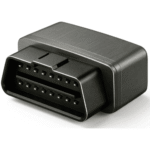
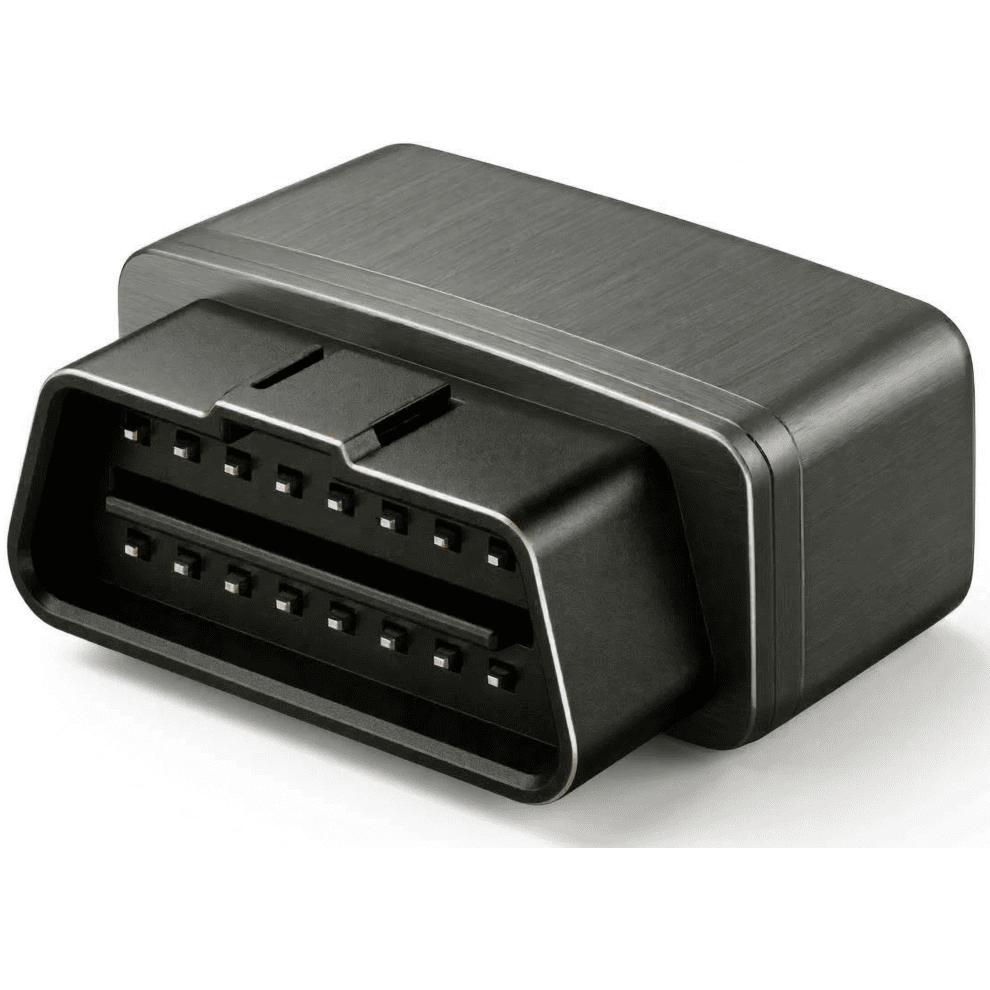
The McLaren DTC AutoClear tool is a compact plug-and-play OBD device designed specifically for McLaren vehicles.
The device automatically scans the vehicle’s electronic modules and performs a safe cleaning procedure for stored diagnostic trouble codes (DTCs). No smartphone, laptop, or diagnostic software is required.
Simply connect the device to the vehicle’s OBD port and the automated process begins immediately.
Designed Specifically for McLaren
Unlike universal OBD scanners, McLaren AutoClear is developed specifically for McLaren electronic architectures.
Each device contains model-specific firmware designed to communicate with the electronic control modules used in a particular McLaren platform.
This allows the device to perform a coordinated diagnostic cleaning procedure across the vehicle’s systems where generic tools often cannot communicate properly.
Supported vehicle generations include: 650S, 600R, 570S, 570GT, 720S, GT, Artura, P1, 750S, 765LT, Senna
Each device is programmed for a specific model platform.
Model-Specific Device – Important Notice
Each AutoClear™ unit is designed to work with one specific McLaren model platform only.
McLaren vehicles use different electronic architectures depending on the model and generation. Diagnostic communication procedures and cleaning routines vary between these platforms.
For this reason the device must only be used with the vehicle model it was designed for.
Using the tool on another model may result in:
• incomplete communication with vehicle modules
• partial execution of the cleaning procedure
• unpredictable results
Correct model selection ensures the device performs the full cleaning procedure as intended.
Why McLaren Owners Need This Tool
Modern McLaren vehicles contain dozens of electronic control units managing systems such as engine performance, suspension, braking, aerodynamics, driver assistance and comfort functions. Because of this complexity, temporary diagnostic codes can sometimes appear due to events such as:
• battery discharge
• voltage drops during engine start
• extended vehicle storage
• sporadic communication interruptions between modules
These stored codes often do not indicate a real mechanical problem but remain recorded until cleared using diagnostic equipment. Since McLaren service centers can be limited depending on location, even a simple diagnostic reset may require a workshop visit. McLaren AutoClear provides owners with a quick and convenient way to perform an automated system cleaning procedure directly through the vehicle’s OBD port.
Fully Automatic Operation
No buttons. No apps. No configuration.
1. Turn Ignition ON
2. Plug the device into the OBD port
3. The device automatically scans and cleans stored diagnostic codes
The result is displayed using the LED indicator system.
LED Status Indicators
The device communicates its status using three LEDs.
Red LED — Power
Indicates the device is connected and powered.
Yellow LED — Cleaning Process
Blinks during the automatic scan and cleaning procedure.
Green LED — Result
• Solid green — no remaining errors detected
• Blinking green — remaining errors detected
Blinking sequences indicate the number of detected error groups:
1 blink → 1 remaining error
2 blinks → 2 remaining errors
3 blinks → 3 remaining errors
The sequence repeats automatically.
What Happens During the Cleaning Process
When the device is connected, it automatically performs a diagnostic routine:
Step 1 — Initialization
The device powers on and connects to the vehicle diagnostic network.
Step 2 — Module Detection
Installed electronic control modules are identified.
Step 3 — Diagnostic Scan
Each module is checked for stored diagnostic trouble codes.
Step 4 — Cleaning Procedure
Stored diagnostic codes are cleared using a model-specific procedure.
Step 5 — Result Verification
A final scan confirms the result and displays the outcome using LED indicators.
When This Tool Is Useful
Typical situations where the device can be helpful include:
• after battery replacement or battery discharge
• clearing sporadic electronic fault codes
• before long road trips or driving tours
• before track days or driving events
• when a McLaren service center is not nearby
Keep It in Your Glovebox
The McLaren AutoClear device is compact enough to keep permanently in your glovebox.
Whether preparing for a long journey, attending a track day, or simply enjoying a weekend drive, the tool provides a quick way to reset stored electronic faults and verify the vehicle’s system status.
Small, simple, and always ready when needed.
Professional Hardware Design
The device is built using a high-performance microcontroller and carefully selected electronic components designed for reliable operation in automotive environments.
The hardware architecture allows stable communication with vehicle CAN networks and consistent execution of the automated cleaning procedure.
The device is designed using standard generic electronic components, ensuring:
• long-term reliability
• stable performance in automotive conditions
• easier servicing if required
• consistent component availability
Important Note
The McLaren AutoClear device clears stored diagnostic trouble codes but does not repair underlying mechanical or electrical problems.
If error codes return after cleaning, further professional diagnostics may be required.
Specification
- Device type: Automatic OBD diagnostic cleaner
- Vehicle compatibility: 2014 → latest generation
- Operation: Fully automatic
- Connection: Standard OBD-II port
- Communication: CAN bus diagnostic communication
- Power supply: Directly from vehicle OBD port
- User interface: LED indicator system
- External devices required: None



Reviews
There are no reviews yet.